New Colors for the Professional Template


Thanks to Shadav for creating color variations of the Professional template. All you need to do is make sure the Professional template that comes with phpLD is activated in your template selector in admin. Then you need to upload the images provided to replace the ones currently in your Professional template images folder (ROOT FOLDER/templates/Professional/images).

Discuss This - Download Now

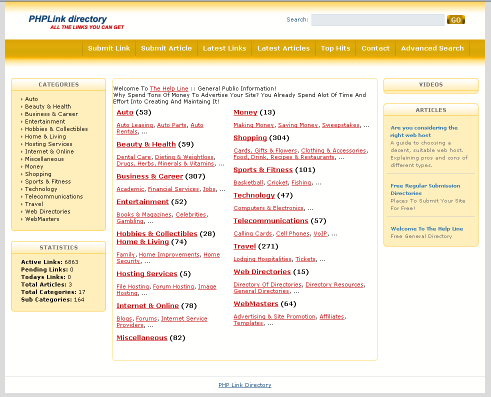
Goldenrod

Goldenrod Template

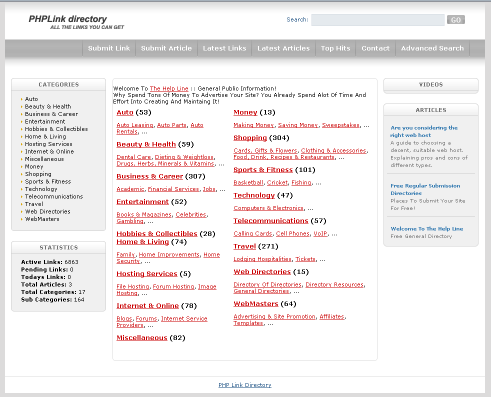
Silver

Silver Template

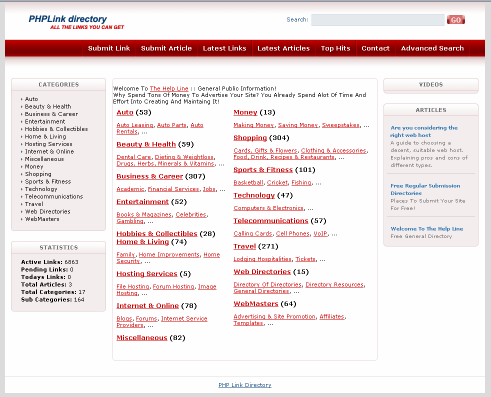
Red

Red Template

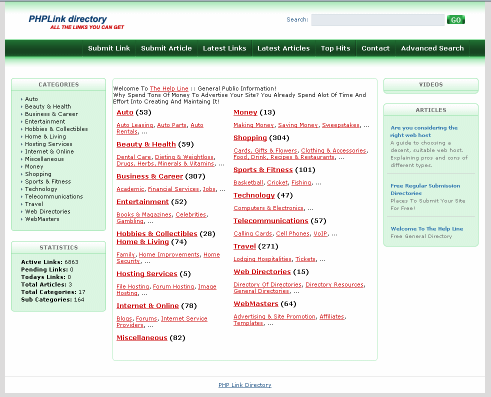
Green

Green Template

Discuss This - Download Now


« Back to Templates
Previouse article: Blast Template
Next article: Deep Blue Template

Publish date: August 3, 2008
Printer version    
Available for versions:
3.3
Available downloads

Posts by Category

Hosting

where you For fast, secure and reliable phpLD hosting, please use our recommended host. If you do, free prizes await! If you decide to go with our recommended host, please let us know, and most likely you will get a special award from us such as a product for free (after your first purchase). 
Read More


Sitemap